A second look at the ingredients.
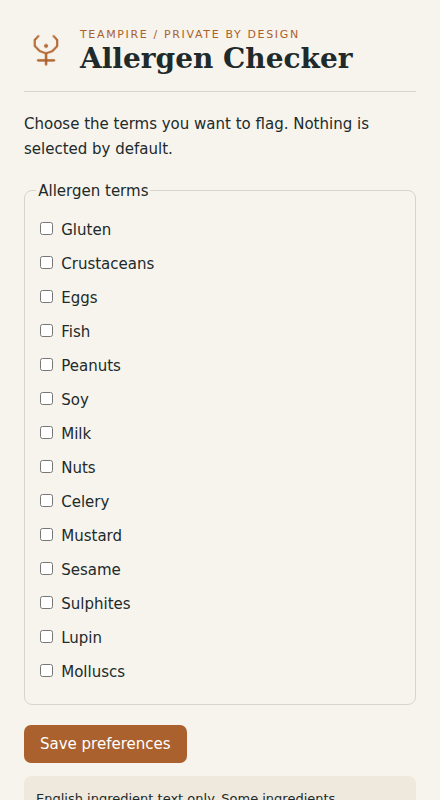
Flag selected allergen terms in visible ingredient sections at supported grocery stores. Check the packaging and supplier information before deciding what to eat.
Self-distributed preview. Chrome requires unpacking; Firefox downloads are Mozilla-signed when available. No public store listing is claimed.
 BUILT FOR YOUR BROWSER / BY TEampire
Useful access.
Honest privacy.
Selected allergen preferences are stored locally in your browser. Ingredient text is analysed in the page and is not uploaded or retained.
Read this tool’s privacy policy →What to expect
Flag selected allergen terms in visible ingredient sections at supported grocery stores. Check the packaging and supplier information before deciding what to eat.
This is a preview build. Some browser or website changes may affect features. Send feedback to dev@teampire.uk; include steps to reproduce and remove private information from screenshots.
Install the preview.
Chrome / Edge
Download the Chrome ZIP and extract it. Open chrome://extensions or edge://extensions, enable Developer mode, choose Load unpacked, then select the extracted folder containing manifest.json.
Firefox
Download the signed XPI when available. Open about:addons → the gear menu → Install Add-on From File. Choose the XPI and review the requested permissions.
Stay in control
Pin the extension to your toolbar and open it. Previews have no automatic update feed yet; install a newer signed build manually. Existing saved settings remain tied to the extension’s ID.