Share the screen. Keep the secrets.
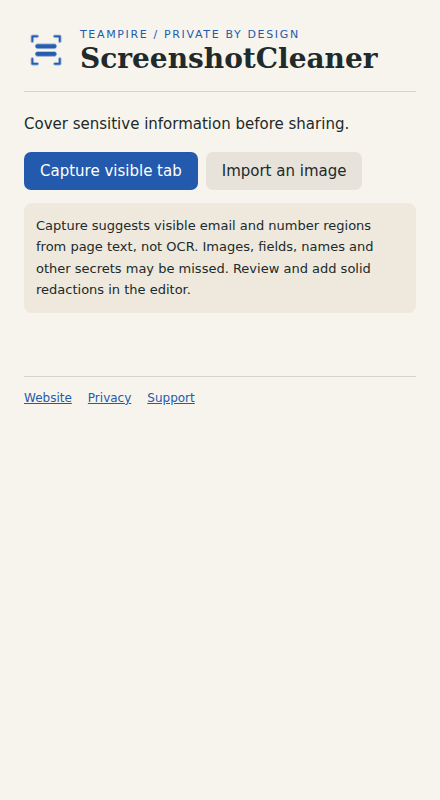
Capture the visible tab or import an image. Cover sensitive areas with solid redactions, review the result and export a flattened PNG.
Self-distributed preview. Chrome requires unpacking; Firefox downloads are Mozilla-signed when available. No public store listing is claimed.
 BUILT FOR YOUR BROWSER / BY TEampire
Useful access.
Honest privacy.
Screenshot pixels stay in the editor’s memory. Nothing is uploaded. Close the editor to discard the working image.
Read this tool’s privacy policy →What to expect
Capture the visible tab or import an image. Cover sensitive areas with solid redactions, review the result and export a flattened PNG.
This is a preview build. Some browser or website changes may affect features. Send feedback to dev@teampire.uk; include steps to reproduce and remove private information from screenshots.
Install the preview.
Chrome / Edge
Download the Chrome ZIP and extract it. Open chrome://extensions or edge://extensions, enable Developer mode, choose Load unpacked, then select the extracted folder containing manifest.json.
Firefox
Download the signed XPI when available. Open about:addons → the gear menu → Install Add-on From File. Choose the XPI and review the requested permissions.
Stay in control
Pin the extension to your toolbar and open it. Previews have no automatic update feed yet; install a newer signed build manually. Existing saved settings remain tied to the extension’s ID.